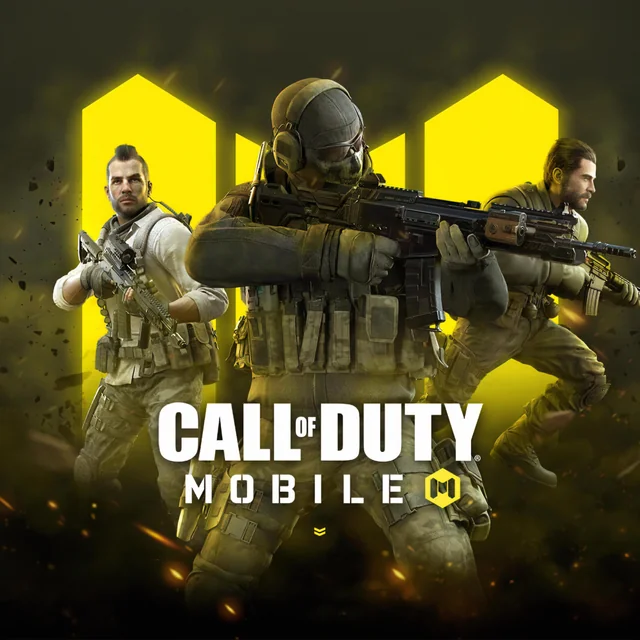
To learn how to improve aim in Call of Duty: Mobile Malaysia, you must prioritize consistent crosshair placement and lower your ADS sensitivity by 15% to increase tracking stability. By optimizing your FOV to 75 and disabling 'ADS button for rotation,' you can significantly reduce input errors and hit more shots in high-stakes ranked matches as of July 2026. Understanding how to improve aim in Call of Duty: Mobile Malaysia is essential for climbing the leaderboards.
How to Improve Aim in Call of Duty: Mobile Malaysia: Pro Settings Guide
· 4 min read·
CoD MobileMY · Malaysiaguide
Key Takeaways
- ✓Lower your ADS sensitivity by 15% and disable the ADS button for rotation to increase tracking stability and eliminate screen jitter.
- ✓Set your Field of View to 75 to balance peripheral awareness with target size, making enemies easier to track on mobile screens.
- ✓Adjust your graphics settings to 60 saturation and 63 brightness to improve visibility of enemies hiding in dark corners.
- ✓Practice recoil control by firing at a wall in Training Mode to learn the weapon's pattern and mastering the inverse motion to counter it.
- ✓Adopt the habit of pre-aiming by scoping in just before rounding corners to gain a reaction-time advantage over your opponents.
Stop Overpaying. Reload Smarter.
Best prices across all stores. Top up instantly.
Stop Overpaying. Reload Smarter.
We compare prices from the biggest stores so you always get the best deal. Pick your game and top up in seconds.
At ReloadClan, we’ve spent countless hours grinding the SEA servers. We know that the Malaysia meta is fast-paced and unforgiving; one missed shot in a Ranked S&D match often means the difference between a win and a devastating loss. Our team has tested these adjustments across various devices, from mid-range Androids to the latest flagship iPhones, to ensure they work for the local player base.
Optimizing Your Sensitivity and ADS for Local Meta
Most players in the Malaysia CODM scene make the mistake of using high sensitivity settings, thinking it makes them faster. In reality, lower sensitivity is the secret to consistency. Start by lowering your ADS sensitivity by 15 points. This small change makes tracking mobile targets—especially those using movement-heavy builds—much easier. When you aren't over-compensating with your thumb, your crosshair stays locked on the target. Pair this with conscious crosshair placement; keep your dot at head-height while navigating maps like Firing Range or Standoff. If you’re constantly looking at the floor, you’ll lose every reaction-time duel.
The FOV and Visual Settings Advantage
Many players blindly set their Field of View (FOV) to the maximum, but on mobile devices, this actually makes enemies appear smaller and harder to hit. Our team recommends setting your FOV to 75. This "sweet spot" balances peripheral awareness with target size, making enemies significantly easier to track. Furthermore, customize your "Empty Mode" graphics settings in the Advanced tab. By bumping your saturation to 60 and brightness to 63, you can spot enemies hiding in dark corners of the map much faster. This is a significant advantage for visibility on the smaller screens typical of mobile gaming.
"Lowering your ADS sensitivity is the most effective way to stabilize your tracking in high-pressure ranked scenarios." — ReloadClan Pro Analysis
Advanced Recoil Control and Pre-Aiming Techniques
Recoil control isn't just about pulling down; it's about muscle memory. Spend 10 minutes in the Training Mode with your favorite weapon. Fire at a wall without moving your thumb, watch the pattern, and then practice the inverse motion. If the weapon kicks right, you must counter-swipe left. Beyond recoil, professional players in the SEA region rarely run into open areas with their weapons down. Master the art of "pre-aiming"—scope in just before rounding a corner where you expect an enemy. This puts you a fraction of a second ahead of your opponent, which is often all you need to secure the kill. Learning how to improve aim in Call of Duty: Mobile Malaysia requires this level of discipline.
Eliminating Screen Shake and Input Errors
One of the most overlooked settings is the "ADS button for rotation." By default, if your finger slides off the ADS button while you are aiming, your screen might jitter, causing you to lose your target. Turn this setting OFF. Additionally, navigate to weapon performance settings and reduce your kick scale values to zero. This removes the unnecessary camera shake caused by weapon recoil, allowing you to focus entirely on target tracking. These technical tweaks ensure that your hardware isn't fighting against your mechanics.
Top Up Sekarang di ReloadClan — instant CP top-up using Touch n Go, FPX, GrabPay, Boost, MAE, Online Banking. Get your CP instantly to upgrade your weapon blueprints and unlock the attachments you need to practice these recoil patterns in the Training Mode. For more tips, check out the official Activision Support page for game mechanics.
Frequently Asked Questions
What is the best FOV for CODM on a mobile phone? We recommend an FOV of 75. This allows you to see enemies clearly without them appearing too small, which happens when you max out your FOV settings on a small screen.
How do I stop my aim from moving when I try to shoot? Go to your settings and turn off "ADS button for rotation." This prevents your camera from shifting if your finger slides off the ADS button during a firefight.
Does lower sensitivity really help in CODM ranked? Yes, lower sensitivity provides better precision and tracking. Reducing your ADS sensitivity by 15% is a proven way to stop over-aiming and land more consistent shots on moving targets.